time-blocking planner
Akiflow brings tasks from multiple tools into a calendar-led planning workflow.
Best fitPeople who organize the day primarily through calendar time blocking.
Two different ways to get work done. Here is the practical difference, without pretending one tool is right for everyone.
 THE QUICK TAKEChoose Vulpie when finishing the task matters as much as organizing it.
Akiflow brings tasks from multiple tools into a calendar-led planning workflow.
Best fitPeople who organize the day primarily through calendar time blocking.
Vulpie connects tasks, time estimates, focus sessions, integrations, and desktop activity with a conversational AI companion.
Best fitPeople who want help doing the work, not only storing or scheduling it.
Vulpie covers the whole loop: choose the task, estimate it, focus, and learn from what actually happened.
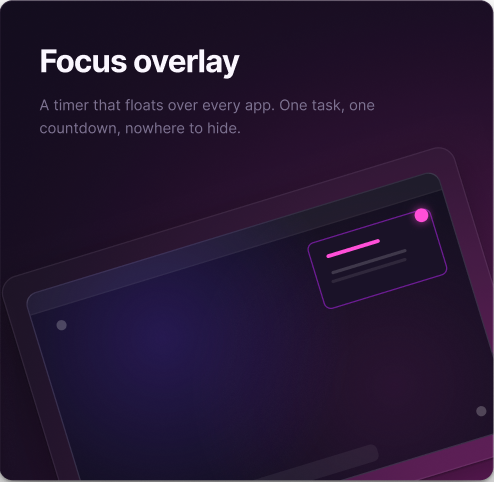
Start a focused session directly from the task and keep the next action visible while you work.
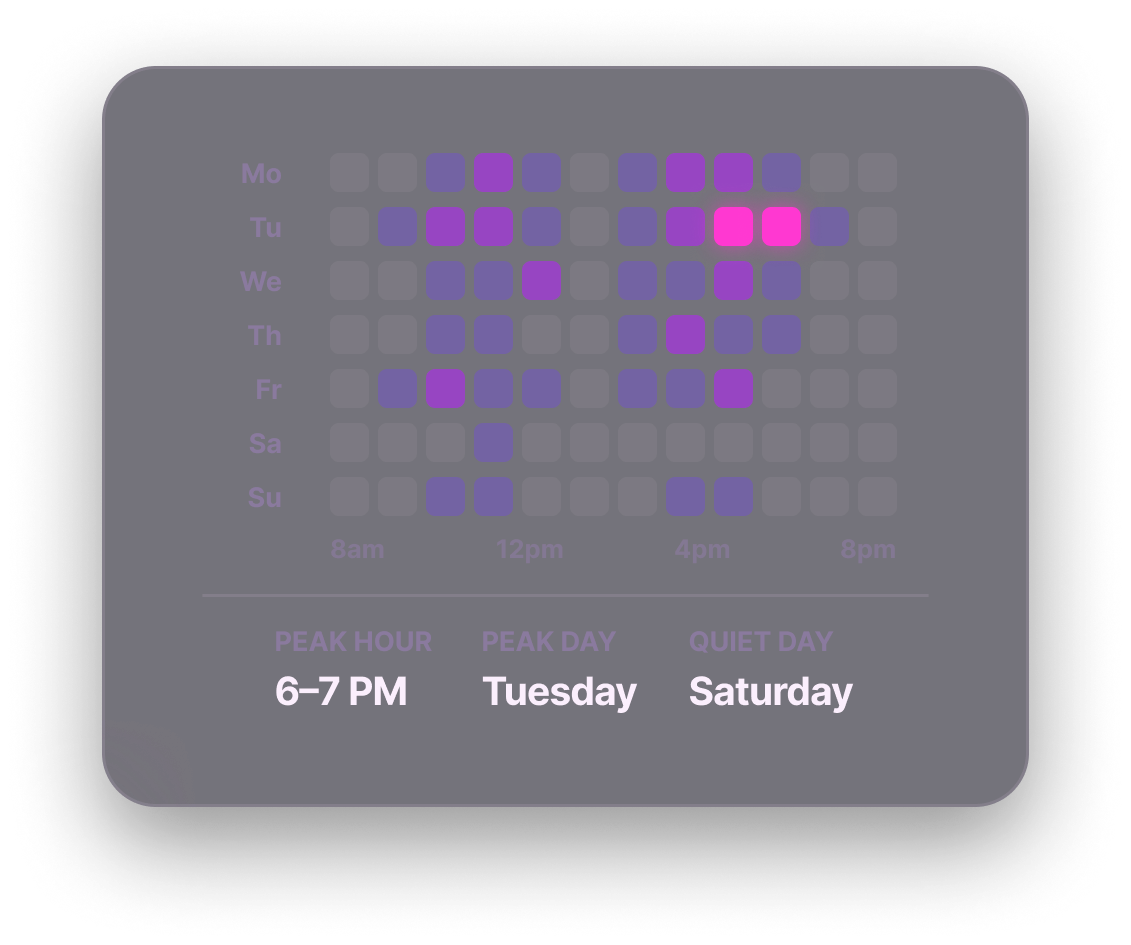
Compare the plan with real activity and improve estimates instead of guessing every morning.
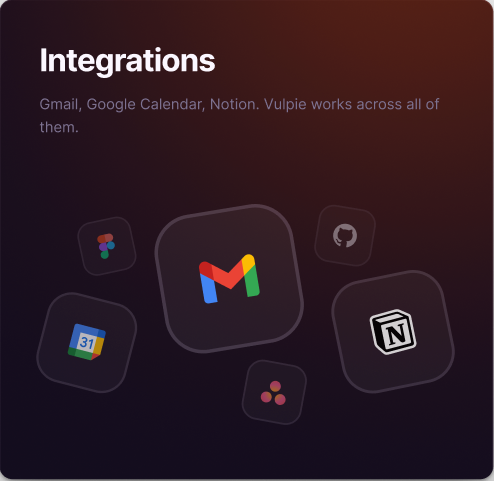
Vulpie can discuss tasks, update the plan, and work with connected Gmail, Calendar, Notion, and Asana.

time-blocking planner
Depends on the product workflow
Varies by plan and setup
Scheduling and planning automation
People who organize the day primarily through calendar time blocking.
Product features and plans change. Check each product’s official site before deciding.
Vulpie keeps the plan, timer, task execution, desktop activity insight, and conversational assistance together without making the calendar the whole interface.
People who organize the day primarily through calendar time blocking.
If that is the center of your workflow, Akiflow may be the more natural choice.
Yes, when your main goal is personal task execution, focus, and understanding how your time was spent.
Yes. Test Vulpie against a real workday instead of comparing feature lists in the abstract.
Vulpie is designed for focused desktop work on Windows and macOS.