Tasks and time tracking in one place
Vulpie.AI connects a task list with a focus timer. You decide what to work on, estimate the time, start a session and review the time you recorded.
From task to focused work
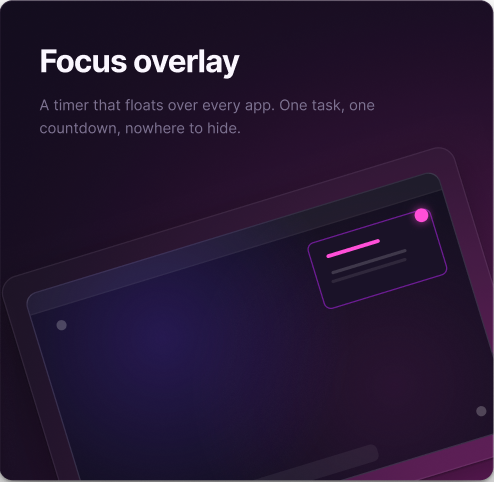
Add a task to a list, set a date or priority if useful, and estimate its duration. Start a focus session when you begin that task. The timer does not run automatically in the background.
Review the estimate
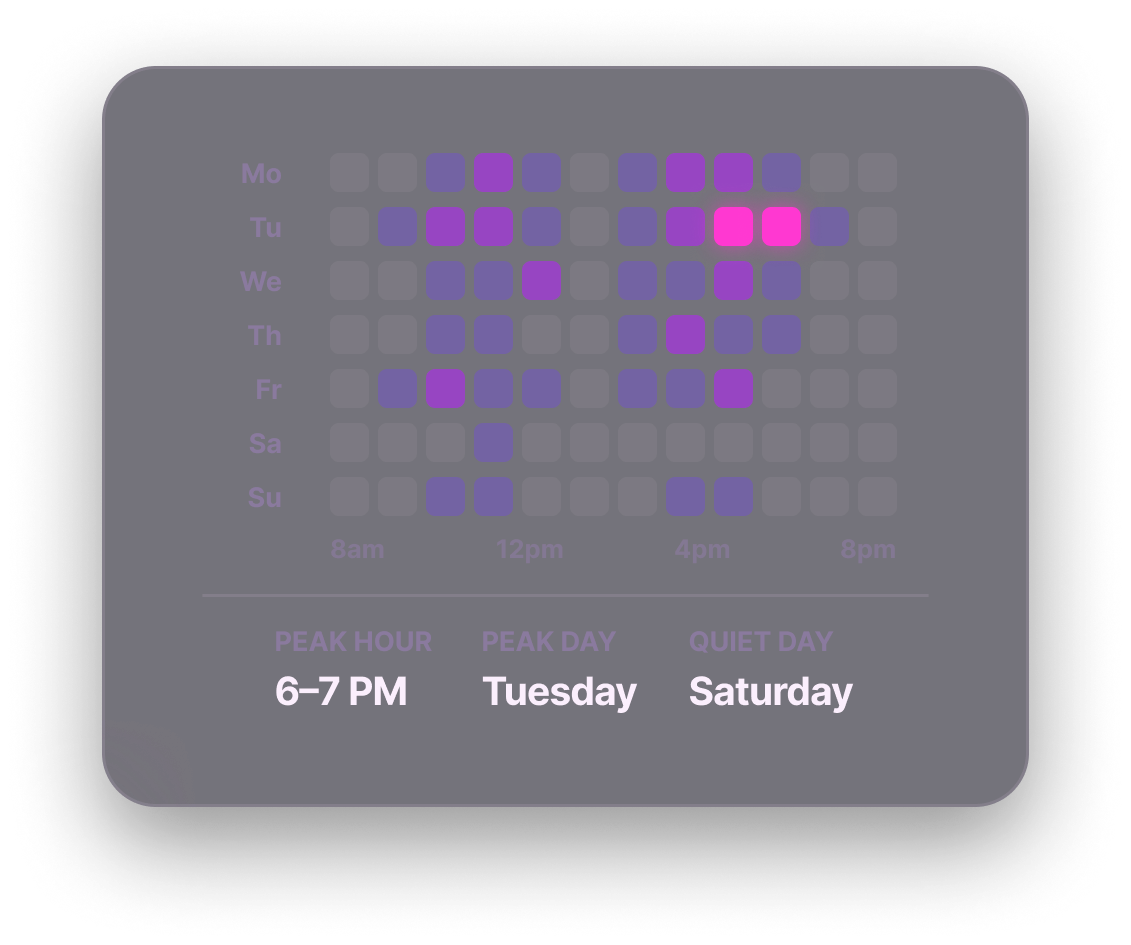
After a session, reports help you see recorded focus time alongside completed tasks. Compare that time with your estimate, then adjust future plans if a pattern emerges. See an example and the limits of this comparison.
What this does not track
Recorded focus time is not a complete record of every app, website or interruption during your day. Vulpie also does not automatically move tasks around your calendar. If you need passive app tracking or automatic scheduling, another type of tool may fit better.
Vulpie is available for Mac and Windows. See subscription pricing or get the app.